为什么选择 Inkmap Pro
Built for Engineers, Writers & AI Workflows
专为重度 Markdown 与 AI 辅助开发者打造的六大核心能力
Six core capabilities designed for seamless Markdown and AI agent collaboration
双向实时同步 & 行级定位Two-Way Sync & Line Linking
点击左侧 Markdown 任意行,右侧导图自动展开并居中选中对应节点;点击导图节点,源码自动滚动高亮对应行,未改动内容逐字节保留。
Click any line in Markdown to center and select its node on the map; click any node to highlight its source lines. Untouched lines stay byte-for-byte identical.
Mermaid 流程图 & 状态图内嵌Mermaid Flowcharts & Diagrams
在节点内直接高清渲染 Mermaid 流程图、状态图与时序图,支持独立弹窗无损缩放及一键打开源码面板实时修改。
Render Mermaid flowcharts and state diagrams directly inside mind map nodes with pan/zoom modal inspection and live source editing.
三栏式 IDE 全屏工作台3-Column Browser IDE Workspace
内置 Cursor 风格项目文件树快速切换工作区文档,搭配带行号与高亮带的源码分栏和右侧思维导图,支持自由拖拽分屏宽度。
Switch project Markdown files via the built-in file tree explorer alongside a docked line-numbered Markdown editor and interactive canvas.
9 种专业结构 & 护眼深色主题9 Pro Layouts & Dark Mode
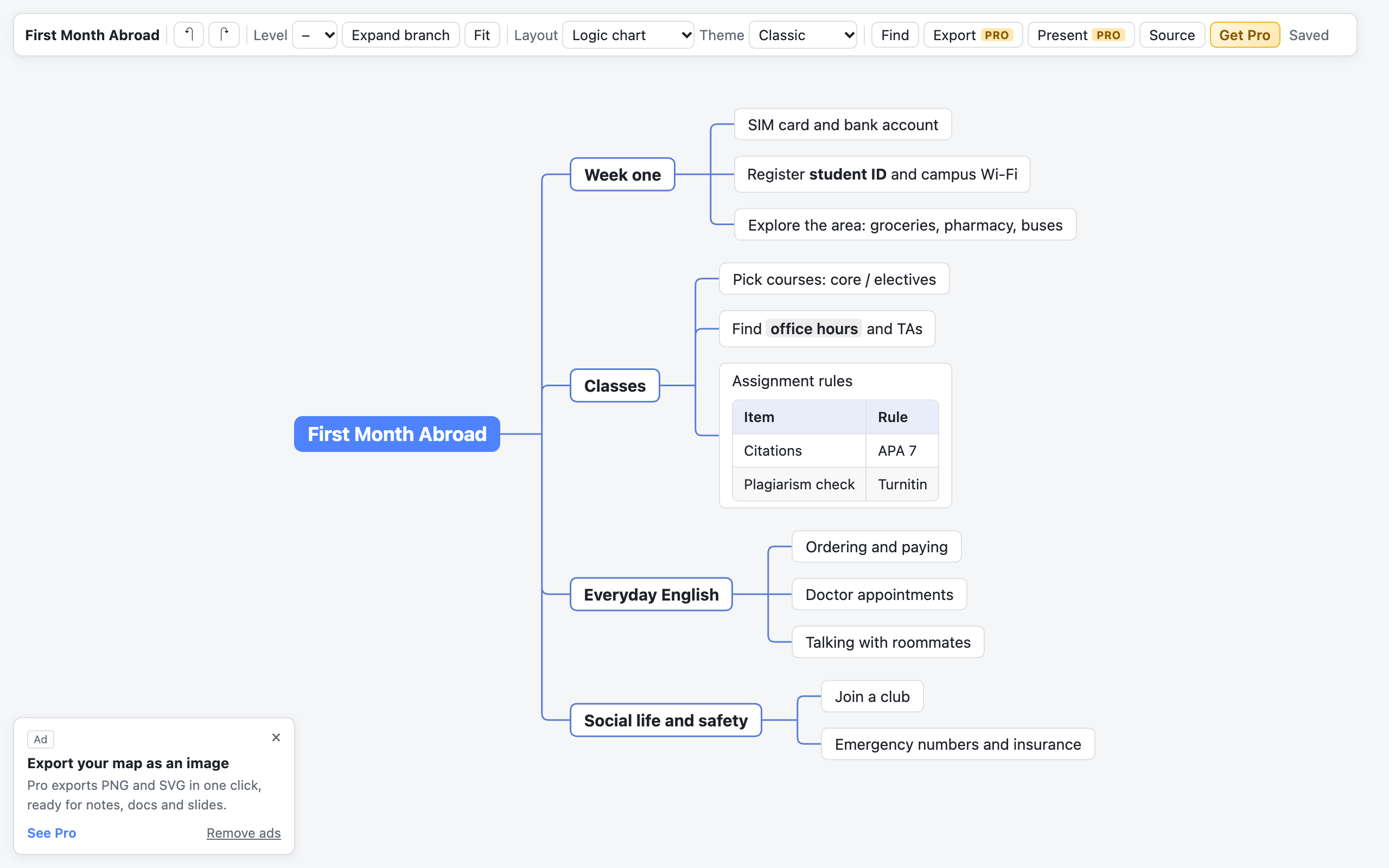
一键切换逻辑结构图、左右导图、组织结构图、目录图、时间轴(横向/交错/竖向)、鱼骨图,内置经典蓝、薄荷绿、暖阳橙与夜色深色主题。
Switch instantly between Logic, Mind Map, Org Chart, Catalog, Timelines, and Fishbone layouts with 4 curated color palettes including Dusk dark mode.
LaTeX 公式 / 表格 & 高清导出Rich Content & HD PNG/SVG Export
节点原生支持 LaTeX 数学公式、表格、代码块与图片,一键导出高清 PNG 或内嵌完整样式的矢量 SVG,直接放入汇报 PPT 与文档。
Render LaTeX math, tables, and code blocks natively, and export high-DPI PNG images or standalone vector SVGs ready for slides and documentation.
逐节点聚焦放映 & 全图替换Presentation Mode & Batch Replace
内置全屏演示模式,按节点逐步聚焦放映,配备悬浮翻页控制条;支持整张导图关键字搜索定位与一键批量替换。
Step through branches one by one in fullscreen presentation mode, or search and batch-replace text across the entire outline in one click.